


.webp)
The best interactive presentation games are live quizzes with leaderboards, word cloud brainstorms, spinning wheel activities, team trivia challenges, and anonymous Q&A with upvoting. Live quizzes with leaderboards work best for knowledge reinforcement with competitive energy that raises attention; word cloud brainstorms for opening sessions and surfacing group insights simultaneously; spinning wheels for selecting random participants or discussion topics; team trivia for building camaraderie while reviewing content; and Q&A with upvoting for large groups where verbal questions exclude quieter participants. These games run in any setting — classroom, corporate training, or virtual meeting — with participants joining via phone, no app download required.
No Death by PowerPoint, no to drawing monologues; it's time to bring out the interactive presentation games! They'll score you mega-plus points with colleagues, students, or wherever else you need a kick of super-engaging interactivity... Hope you find these game ideas below helpful!
1. Live quiz competition
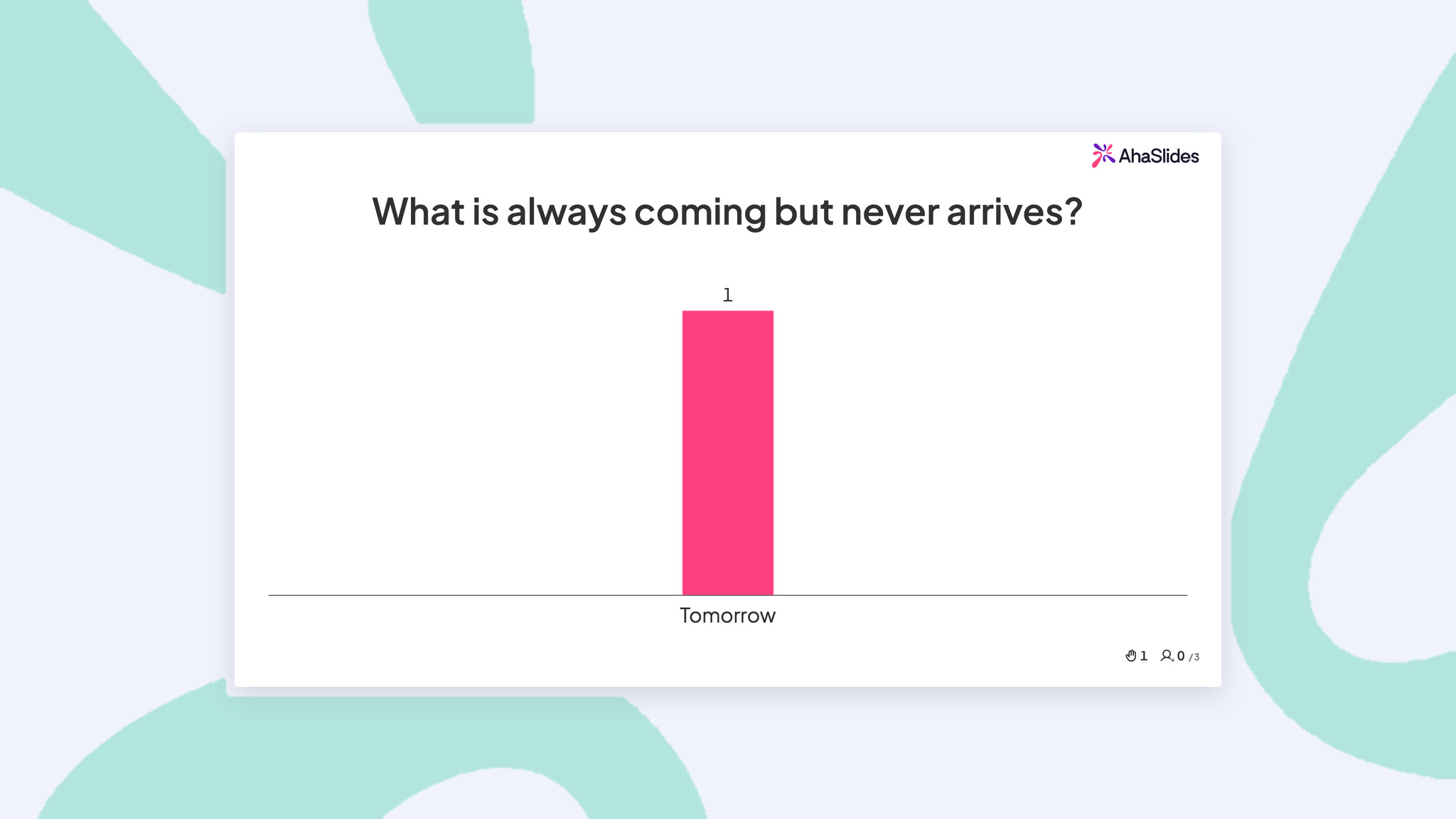
Let's think about the most fun moments from school, work, or an event. Chances are, they always involve some kind of competition, mostly a friendly one. You remember everyone was laughing and having the time of their life.
What if I tell you, there's a way to recreate those moments with just a live quiz? Live quizzes can transform any presentation from a one-way lecture into an interactive experience where your audience becomes active participants.
With a healthy dose of competition, instead of passively listening (or secretly checking their phones), people lean forward, discuss answers with neighbours, and actually want to pay attention.
You can use live quizzes anywhere – team meetings, training sessions, classrooms, or large conferences. Plus, with AhaSlides's online quiz creator, the setup is simple, the engagement is immediate, and the laughs are guaranteed.
Here's how to play:
- Set up your questions on AhaSlides.
- Present your quiz to your players, who join by typing your unique code into their phones.
- Take your players through each question, and they race to get the correct answer the fastest.
- Check the final leaderboard to reveal the winner!
2. Scenario brainstorm ("What would you do?")
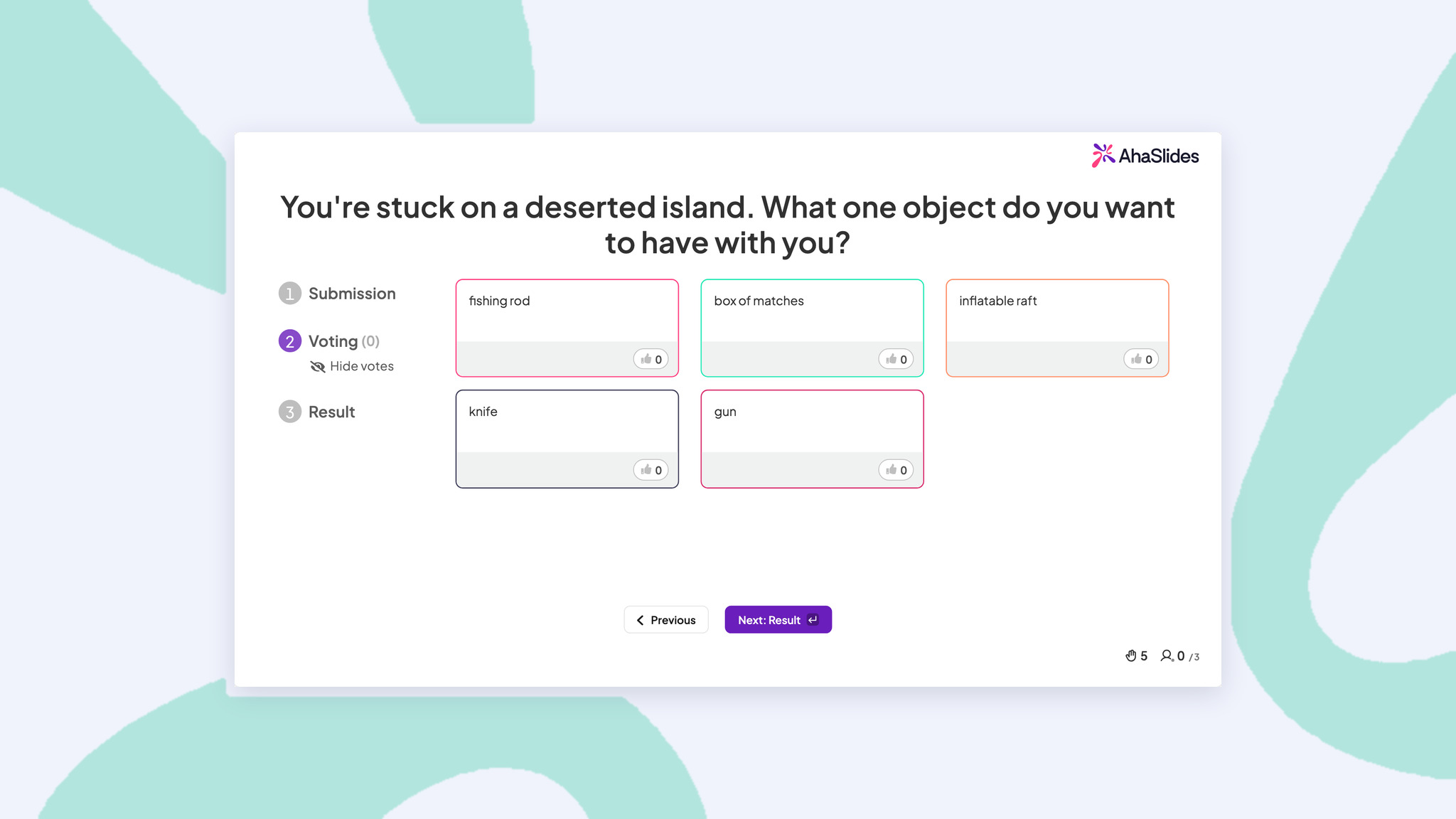
Put your audience in your shoes. Give them a scenario related to your presentation and see how they would deal with it.
Let's say you're a teacher giving a presentation on dinosaurs. After presenting your info, you would ask something like...
A stegosaurus is chasing you, ready to snap you up for dinner. How do you escape?
After each person submits their answer, you can take a vote to see which is the crowd's favourite response to the scenario.
This is one of the best presentation games for students as it gets young minds whirring creatively. But it also works great in a work setting and can have a similar freeing effect, which is especially significant as a large group icebreaker.
Here's how to play:
- Create a brainstorming slide and write your scenario at the top.
- Participants join your presentation on their phones and type their responses to your scenario.
- Afterwards, each participant votes for their favourite (or top 3 favourites) answers.
- The participant with the most votes is revealed as the winner!
4. Guess the order
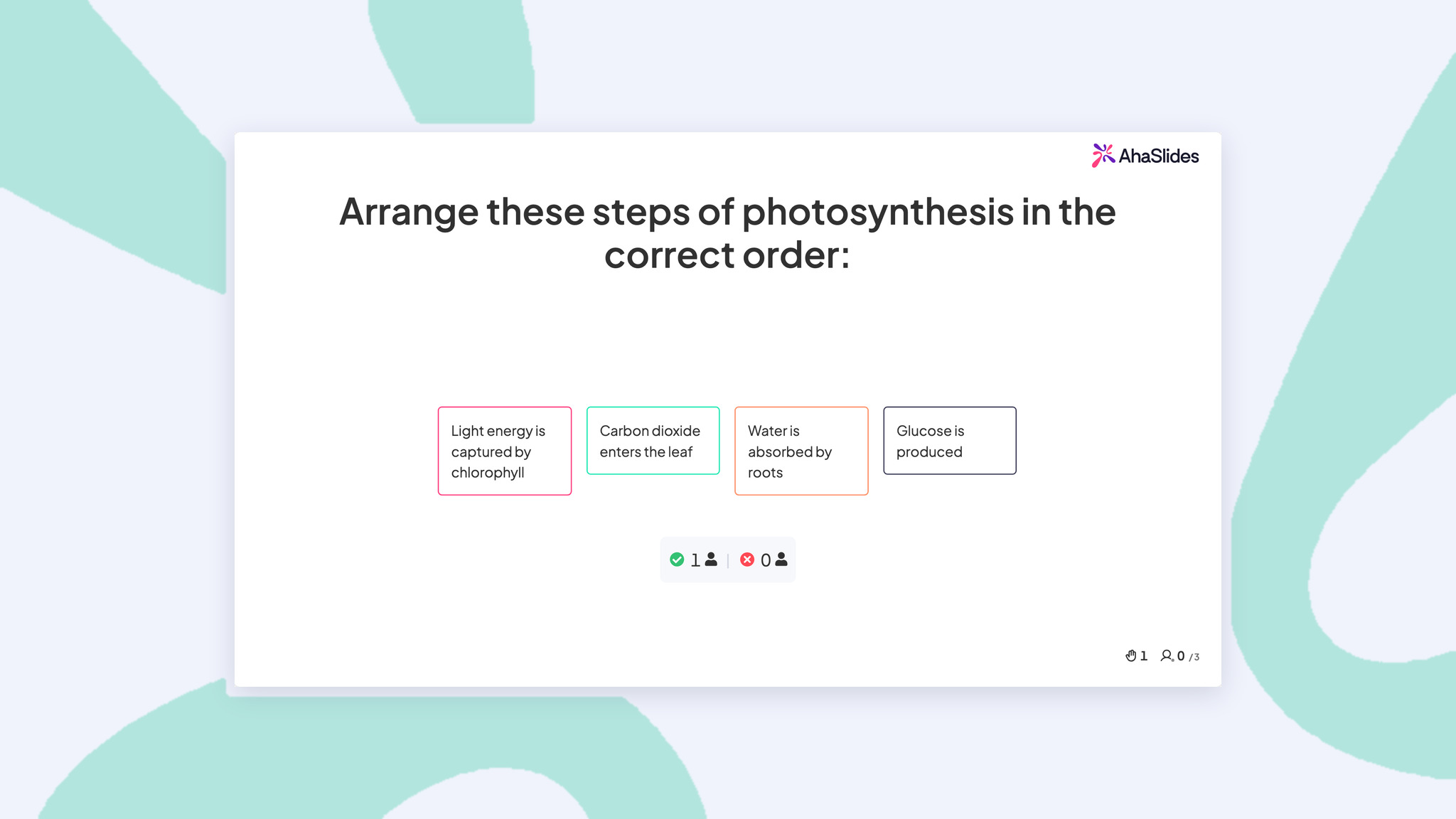
When you simply outline a process step-by-step, it becomes tedious. However, what happens when individuals must deduce the sequence on their own? All of a sudden, they are focusing on every detail.
For instance, if you're teaching people how to handle complaints, mix up the following steps: "Listen without interrupting," "Offer a solution," "Document the issue," "Follow up within 24 hours," and "Apologise sincerely."
To cement this information in your audience's mind, Guess the Order is a fantastic minigame for presentations.
You write the steps of a process, jumble them up, and then see who can put them in the right order the fastest.
Here's how to play:
- Create a 'Correct Order' slide and write your statements.
- Statements are automatically jumbled up.
- Players join your presentation on their phones.
- Players race to put the statements in the correct order.
5. 2 Truths, 1 Lie
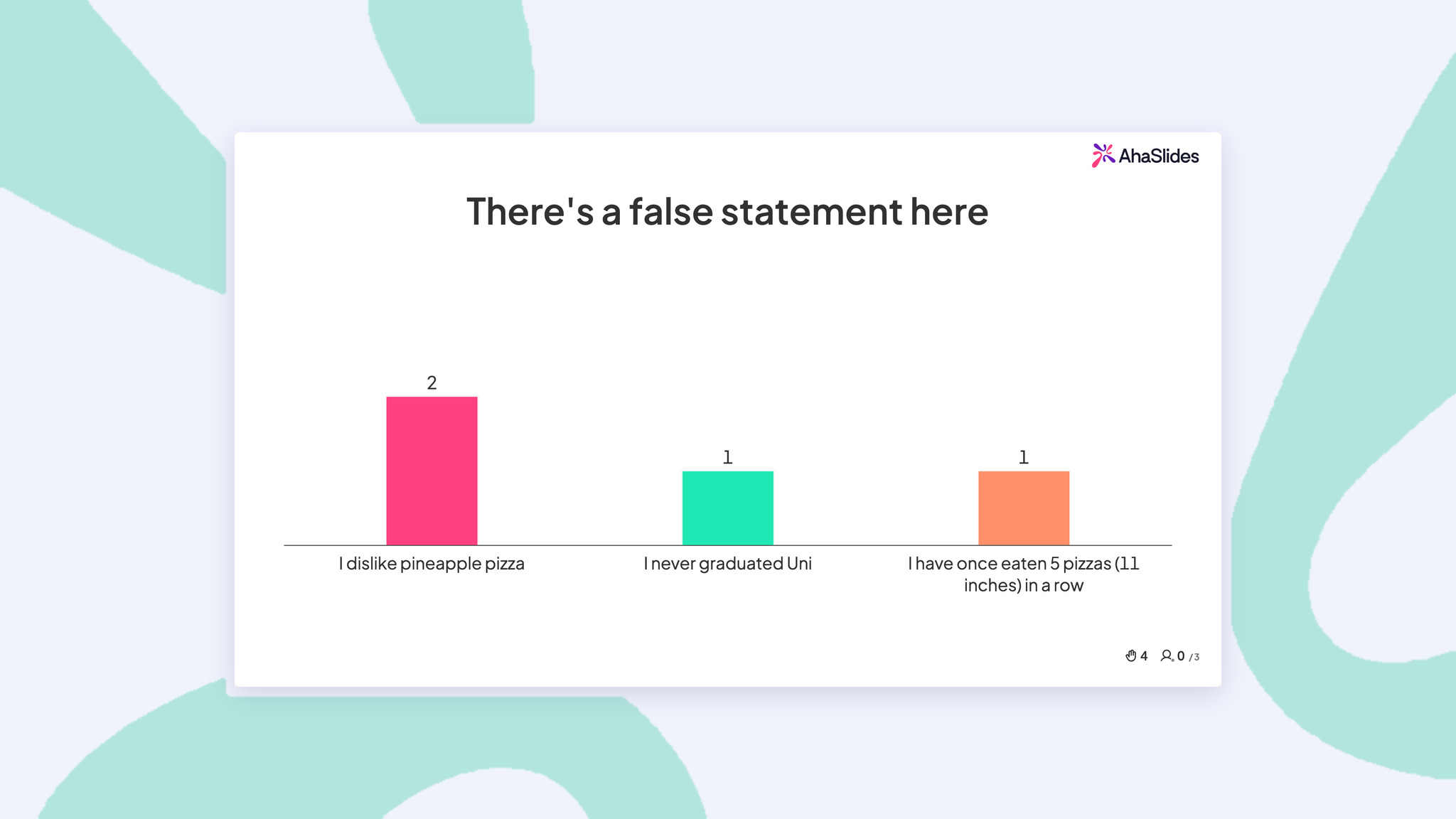
This classic icebreaker has been changed to fit a presentation. It's a sneaky way to test what people have learnt while keeping them on their toes.
And it's pretty simple to do. Just think of two statements using the information in your presentation, and make another one up. Players have to guess which is the one you've made up.
This one is a great re-capping game and works for students and colleagues. They will have to actively recruit information to distinguish between true and false statements.
Here's how to play:
- Create a list of 2 truths and one lie covering different topics in your presentation.
- Read out two truths and one lie and get participants to guess the lie.
- Participants vote for the lie either by hand or through a multiple-choice slide in your presentation.
6. Category sort
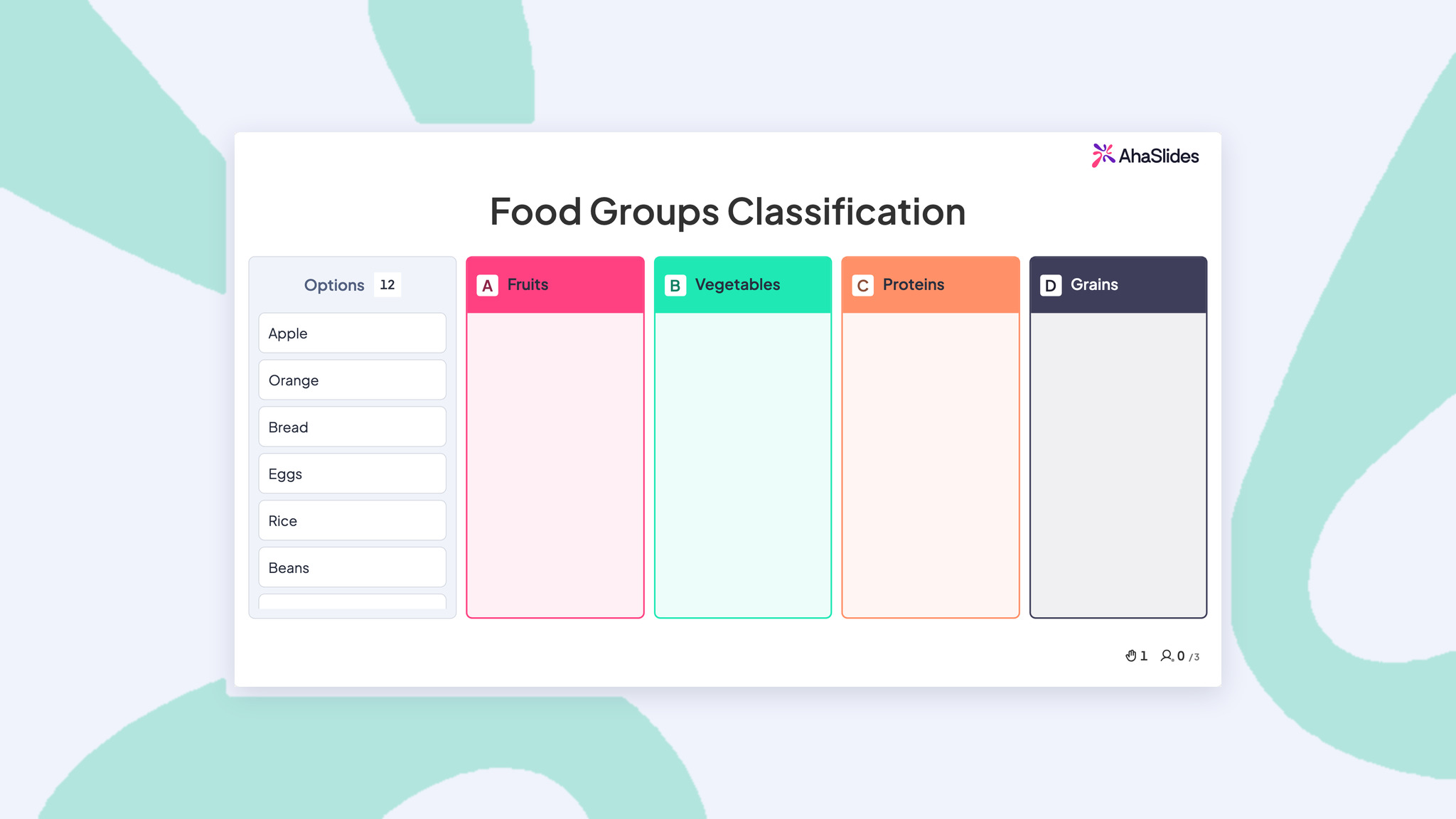
Moving things around in real life or on a computer can sometimes help you understand them better. This game makes putting things into groups that don't really exist real and fun.
For example, if you're talking about marketing channels, you could have people put "Instagram ads," "Email newsletters," "Trade shows," and "Referral programs" into three groups: "Digital," "Traditional," and "Word-of-mouth."
They're perfect when you've just taught something complex or many concepts and want to see if people really get it. Great for review sessions before big tests, or at the start of new topics to see what people already know.
Here's how to play:
- Create a "Categorise" slide type
- Write the header name for each category
- Write the correct items for each category; the items will be arranged randomly when played
- Participants join the game via their mobile devices
- Participants sort items into the appropriate categories
Besides games, these interactive multimedia presentation examples can also lighten your next talks.
7. Obscure word cloud

Word cloud is always a beautiful addition to any interactive presentation. If you want our advice, include them whenever you can - presentation games or not.
If you do plan to use one for a game in your presentation, a great one to try is Obscure Word Cloud.
It works on the same concept as the popular UK game show Pointless. Your players are given a statement and have to name the most obscure answer they can. The least-mentioned correct answer is the winner!
Take this example statement:
Name one of our top 10 countries for customer satisfaction.
The most popular answers may be India, USA and Brazil, but the points go to the least mentioned correct country.
Here's how to play:
- Create a word cloud slide with your statement at the top.
- Players join your presentation on their phones.
- Players submit the most obscure answer they can think of.
- The most obscure one appears most diminutive on the board. Whoever submitted that answer is the winner!
8. Match pairs
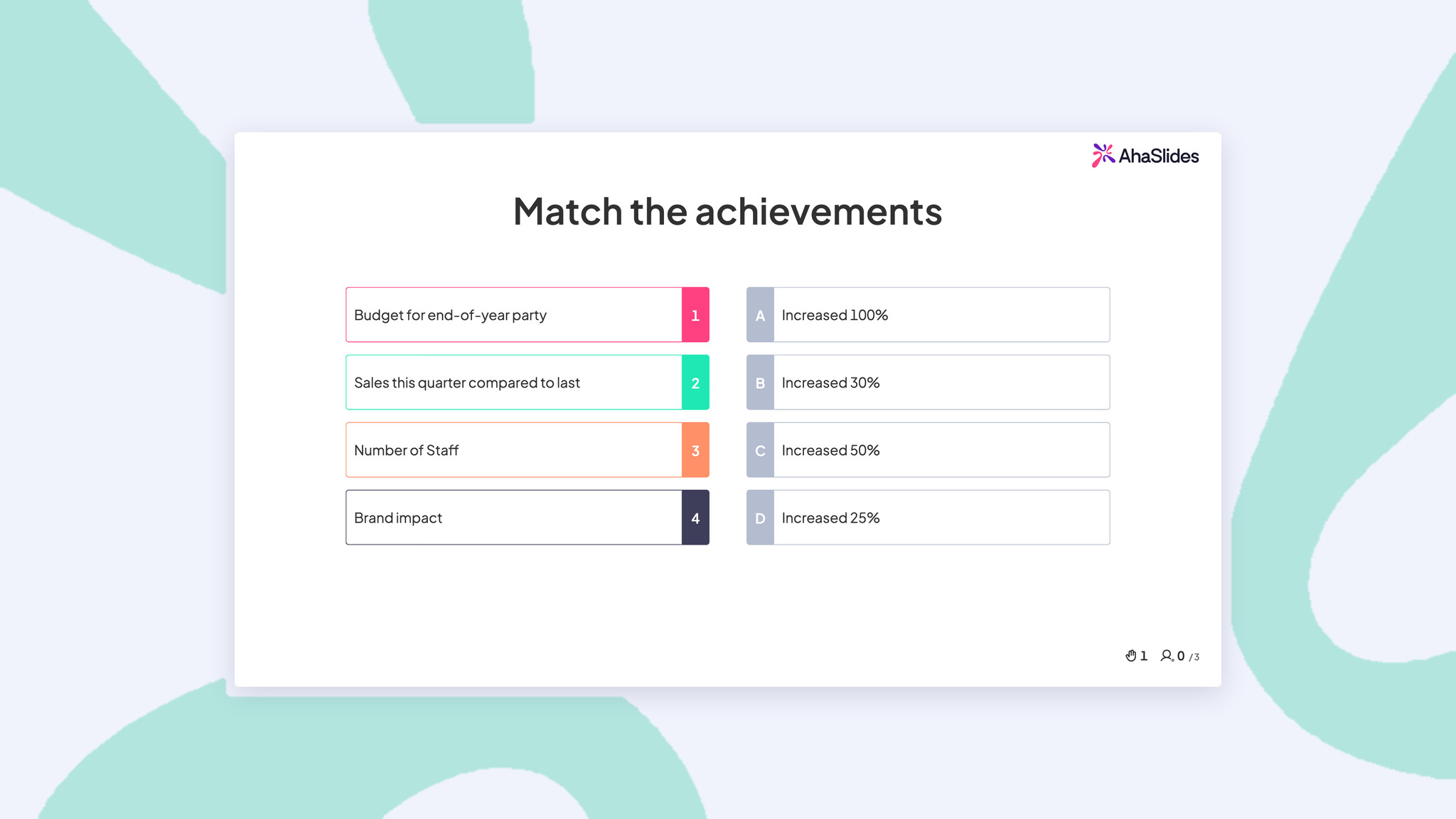
This is like a memory game, but for learning. People have to connect related pieces of information, which helps them understand relationships between concepts.
It involves a set of prompt statements and a set of answers. Each group is jumbled; the players must match the information with the correct answer as quickly as possible.
To match, you need to know how things are related, not just how to recognise them.. This game works really well if you want to cover many concepts and test whether people remember them. It can even work when the answers are numbers and figures.
Here's how to play:
- Create a 'Match Pairs' question.
- Fill out the set of prompts and answers, which will automatically shuffle.
- Players join your presentation on their phones.
- Players match each prompt with its answer as fast as possible to score the most points.
9. Spinner wheel randomizer
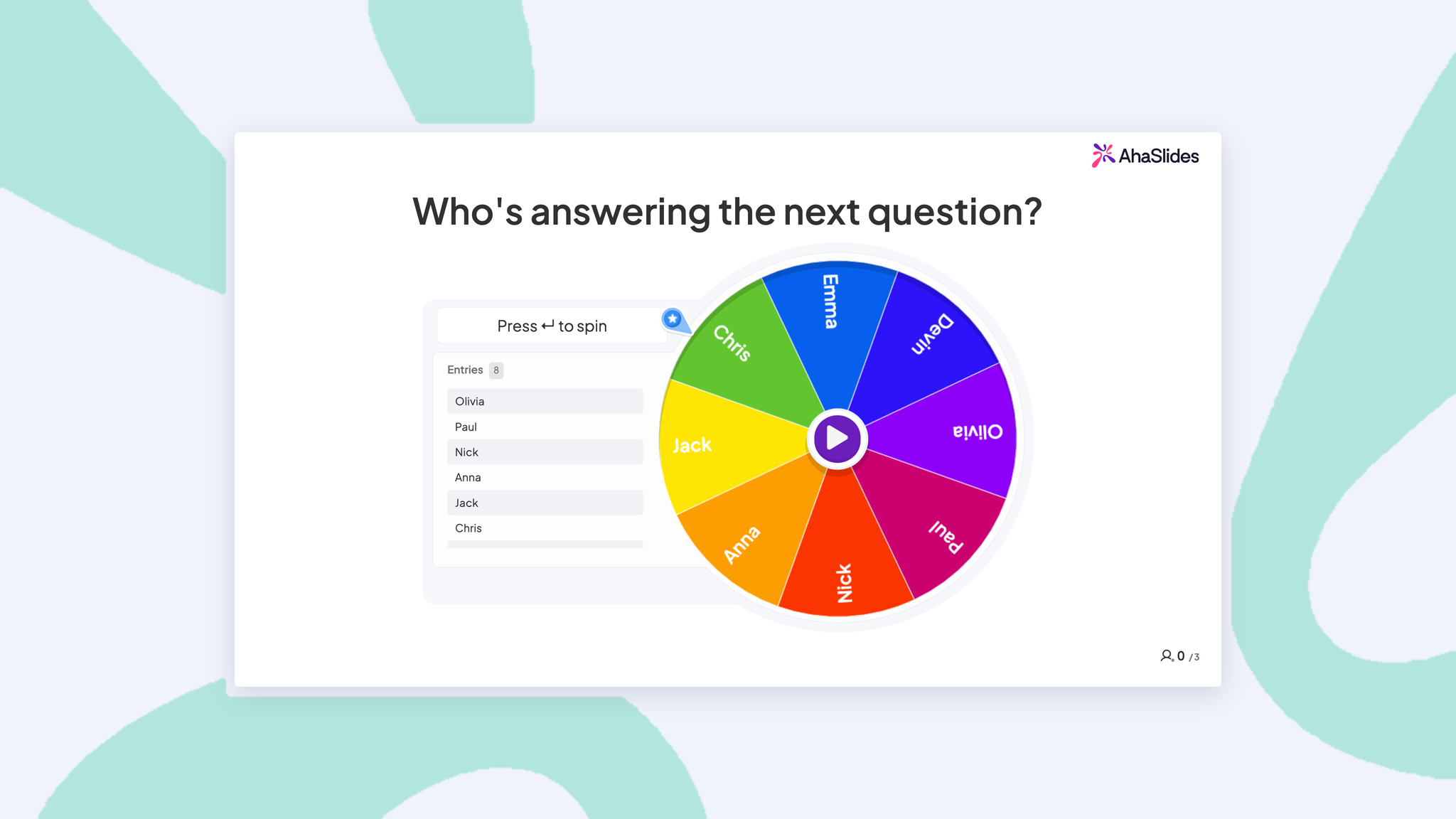
If there's a more versatile presentation game tool than the humble online spinner wheel, we aren't aware of it.
No matter if you are a teacher struggling to hold pupils' attention, a trainer facilitating a corporate training session, or a conference presenter, these games do their magic by introducing that surprise element that makes all sit up and listen.
Adding the random factor of a spinner wheel might be just what you need to keep engagement in your presentation high. There are presentation games you can use with this, including...
- Choosing a random participant to answer a question.
- Choose a bonus prize after getting the correct answer.
- Choosing the next person to ask a Q&A question or give a presentation.
Here's how to play:
- Create a spinner wheel slide and write the title at the top.
- Write the entries for the spinner wheel.
- Spin the wheel and see where it lands!
10. This or that poll
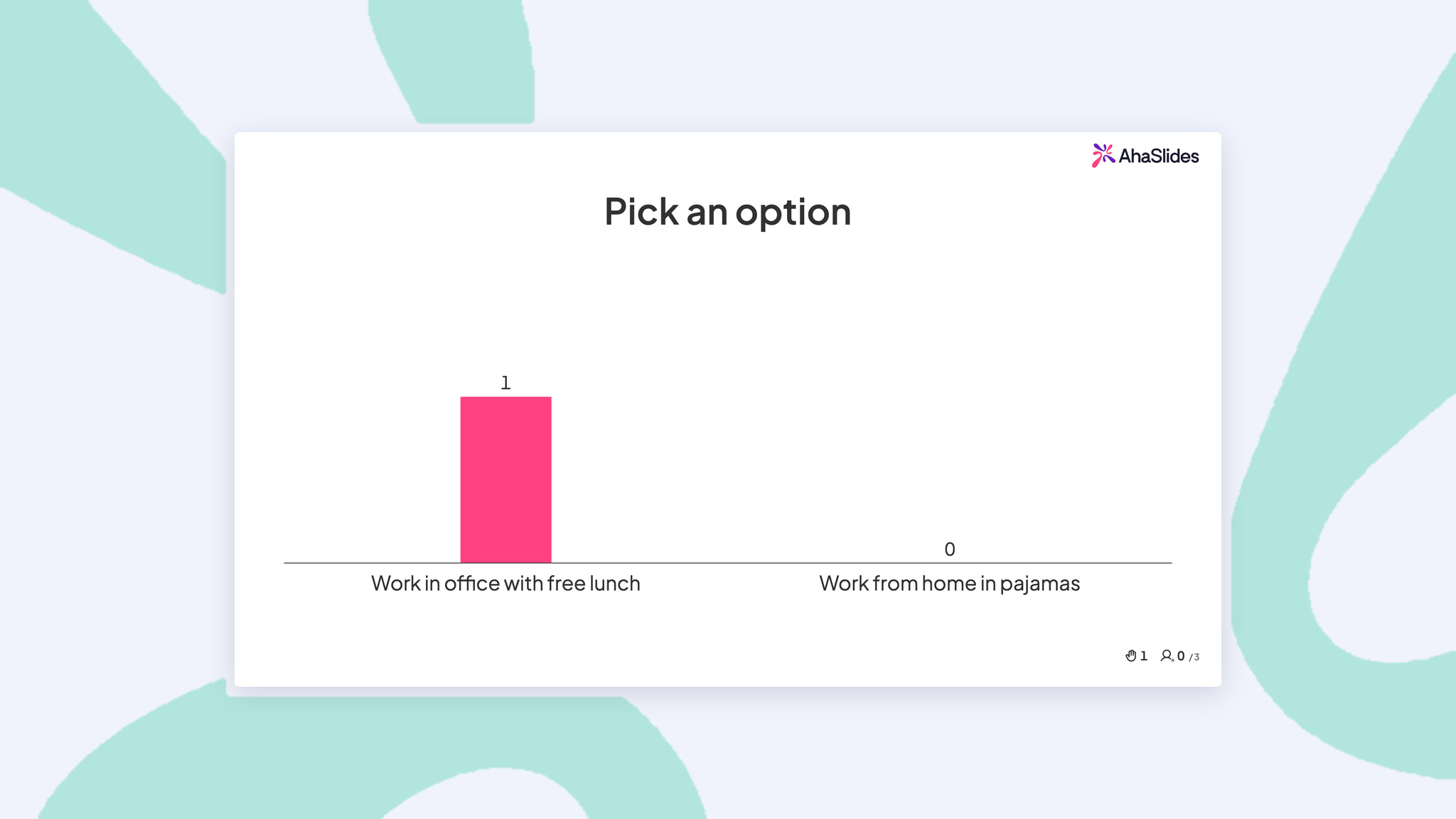
Binary choice questions are the lowest-friction way to get 100% participation from your audience. There is no wrong answer, no performance pressure, and everyone has an opinion. This makes polls built from "this or that" questions perfect for warming up a group that has not participated yet, or for surfacing preferences and priorities that can shape the rest of your session.
Here's how to play:
- Show two choices on the screen - they can be silly or work-related. For instance, "Work from home in pajamas OR work in office with free lunch?"
- Everyone votes using their phones or by moving to different sides of the room.
- After voting, invite a few people to share why they chose their answer. P/s: This game works great with AhaSlides because everyone can vote at once and see the results instantly.
11. The great friendly debate
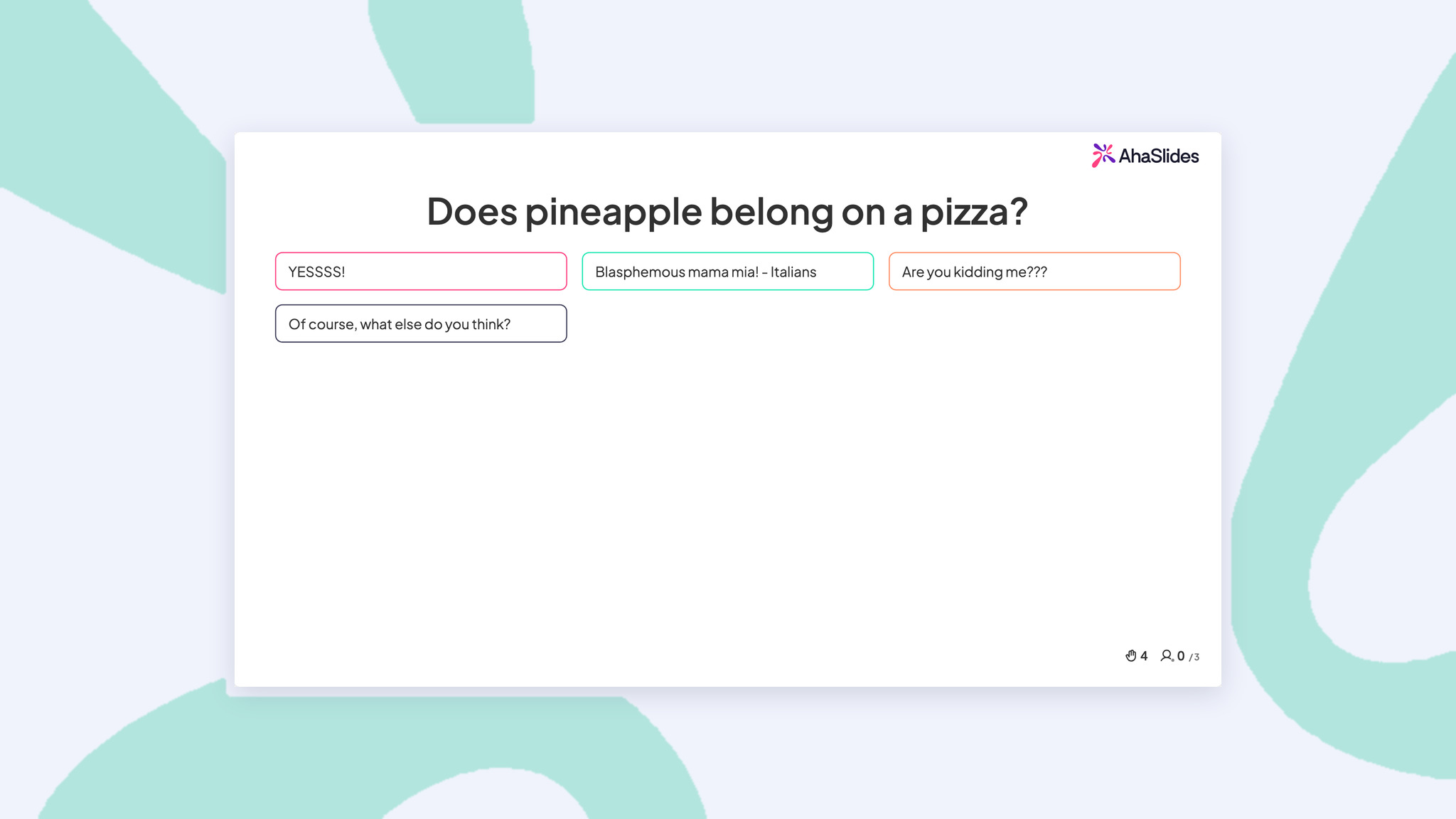
Sometimes the best discussions start with simple questions that everyone has an opinion about. This game gets people talking and laughing together.
Whether you're hosting a dinner party, hanging out with friends, or breaking the ice with new people, this game gets everyone sharing their thoughts on topics we all have opinions about.
Defending a position makes people think more deeply about the topic, and hearing other viewpoints broadens everyone's perspective.
Here's how to play:
- Create an open-ended slide type and pick a fun topic that won't upset anyone - like "Does pineapple belong on pizza?" or "Is it okay to wear socks with sandals?"
- In collect audience information, add "Name" so people can choose their group. Put the question on the screen and let people pick sides.
- Ask each group to come up with three funny reasons to support their choice.
A quick facilitation framework for interactive games
Running interactive games well is a skill, not just a feature selection. Here is a research-informed framework I use for every session.
Match the game to your learning objective
Not every game fits every goal. Quizzes and matching exercises test knowledge recall (Kirkpatrick Level 2). Scenario brainstorms and debates develop application and analysis skills (Level 3). Polls and word clouds surface attitudes and baseline knowledge (Level 1). Choose deliberately based on what you are trying to accomplish.
Time it right
Research on attention cycles suggests that engagement naturally dips around the 15-20 minute mark of continuous presentation. Place your first interactive game before that dip, not after it. A good rhythm is: 10-12 minutes of content, then 5-7 minutes of interactive activity, repeated throughout your session.
Debrief every activity
The game itself is not the learning moment. The debrief is. Always spend 2-3 minutes after each activity connecting the results back to your content. Ask: "What surprised you about these results?" or "How does this connect to what we just covered?" Without the debrief, you have entertainment. With it, you have learning.
Test your tech before the room fills
If you are using AhaSlides with a PowerPoint integration (via the AhaSlides add-in or by importing your slides directly), do a full run-through 30 minutes before your session. Check that your room code works, that the slides display correctly (after an editable import, look for any element that came in as an image), and that the interactive elements function on both presenter and participant views.
Turn passive presentations into participatory ones
The research is unambiguous: active participation produces better learning outcomes, higher engagement, and stronger information retention than passive lectures. Interactive presentation games are the practical application of that research, and with tools like AhaSlides, they take minutes to set up, not hours.
Start with one game in your next session. A single live quiz or word cloud activity at the midpoint of your presentation can shift the entire energy of the room. Once you see the difference, you will never go back to one-way delivery.
For the full guide covering techniques, tools, and ideas for every context, see: How to make a presentation interactive: the complete guide.
Frequently asked questions
What are the best interactive presentation games?
The best interactive presentation games are live quizzes with leaderboards (for knowledge reinforcement), word cloud brainstorms (for opening engagement), spinning wheels (for random selection), team trivia challenges (for camaraderie), and anonymous Q&A with upvoting (for large groups). These work in person and virtually with no app download required.
How do you make a presentation more engaging with games?
Add a timed quiz after each major content section, open with a word cloud warm-up, and close with a leaderboard reveal. One game per 15–20 minutes of content is the optimal cadence. The competitive element of quizzes raises attention; the collaborative element of word clouds includes everyone simultaneously.
What presentation games work best virtually?
Polls, live quizzes, word clouds, and anonymous Q&A work best for virtual presentations because participants respond on their own devices without needing cameras on or speaking aloud. These formats create visible, real-time participation data that compensates for the absence of physical presence.
Can interactive games be used in formal corporate settings?
Yes. Quizzes, polls, and brainstorming boards are routinely used in corporate training, all-hands meetings, and strategy sessions. The key is framing them as learning tools — "this quiz tells us where to spend more time" — rather than entertainment.
For more ways to engage your audience, see: 15 interactive presentation ideas, 10 interactive presentation techniques, 15 interactive games for training sessions, and 7 Zoom presentation tips to combat fatigue.